Build a real OpenClaw assistant in 1 day. Not a demo.
A practical PDF + templates to help you ship a local-first OpenClaw assistant that’s actually useful: safe tool use, repeatable workflows, and “receipts only” execution.
- Copy/paste setup + folder skeleton
- Morning Brief + reminders (cron vs heartbeat)
- Security checklist (prompt injection, secrets, skills)
- Trust contract: artifacts, sources, confirmations
- Builders shipping a real assistant (tools, automations, and outputs you can trust).
- Engineers who want a known-good setup + templates instead of guessing.
- Anyone who cares about safety: prompt injection, secrets, and “receipts only” workflows.
- People looking for generic AI “prompt tips” with no tooling.
- If you need a fully-managed SaaS or enterprise compliance package.
- If you’re not willing to run commands or edit a few files.
Table of contents (high level)
A quick scan so you know exactly what you’re buying.
- What OpenClaw is (and why it’s different)
- Known-good setup: install, first run, and workspace skeleton
- Channels + messaging: how to make it feel like a real assistant
- Tools/skills: safe automation patterns (receipts, confirmations)
- Memory: what to store, what not to store, and how to keep it clean
- Heartbeat vs cron: when to use each (with examples)
- Security: prompt injection, secrets hygiene, and threat modeling
- Shipping: a practical “rent-paying” Morning Brief build
- Troubleshooting + next steps
What’s inside
Everything you need to go from “I installed it” to “this assistant reliably ships outputs.”
Known-good setup
Install + first run with a checklist so you’re not debugging ghosts.
Security-first (agents are risky)
A dedicated Security section: skill/supply-chain checks, prompt-injection defenses (incl. indirect injection), and safe tool usage.
Trust contract
“Receipts only” workflow: artifacts, sources, confirmations for high-impact actions.
Rent-paying workflow
Build a Morning Brief + reminders so the agent earns its keep.
Preview a few pages
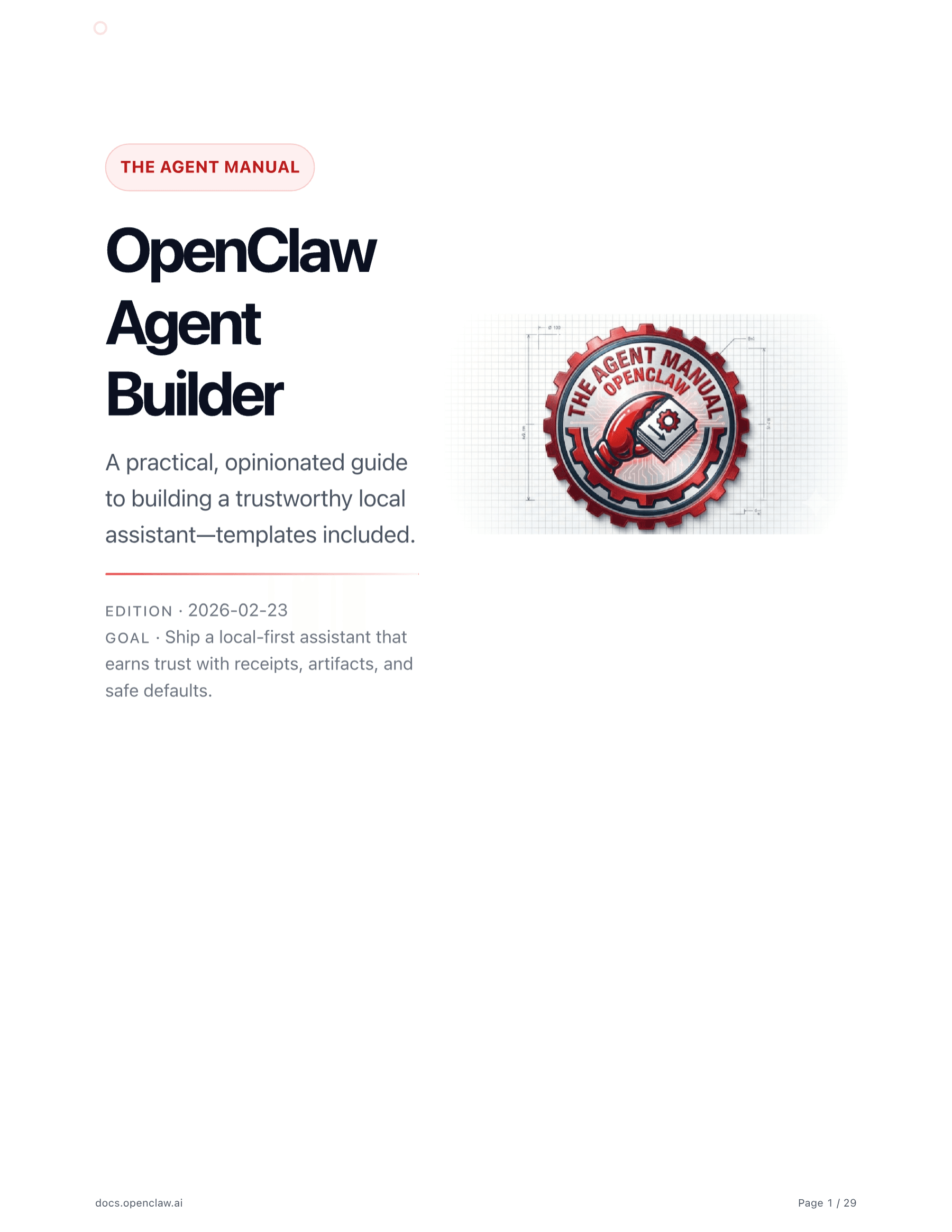
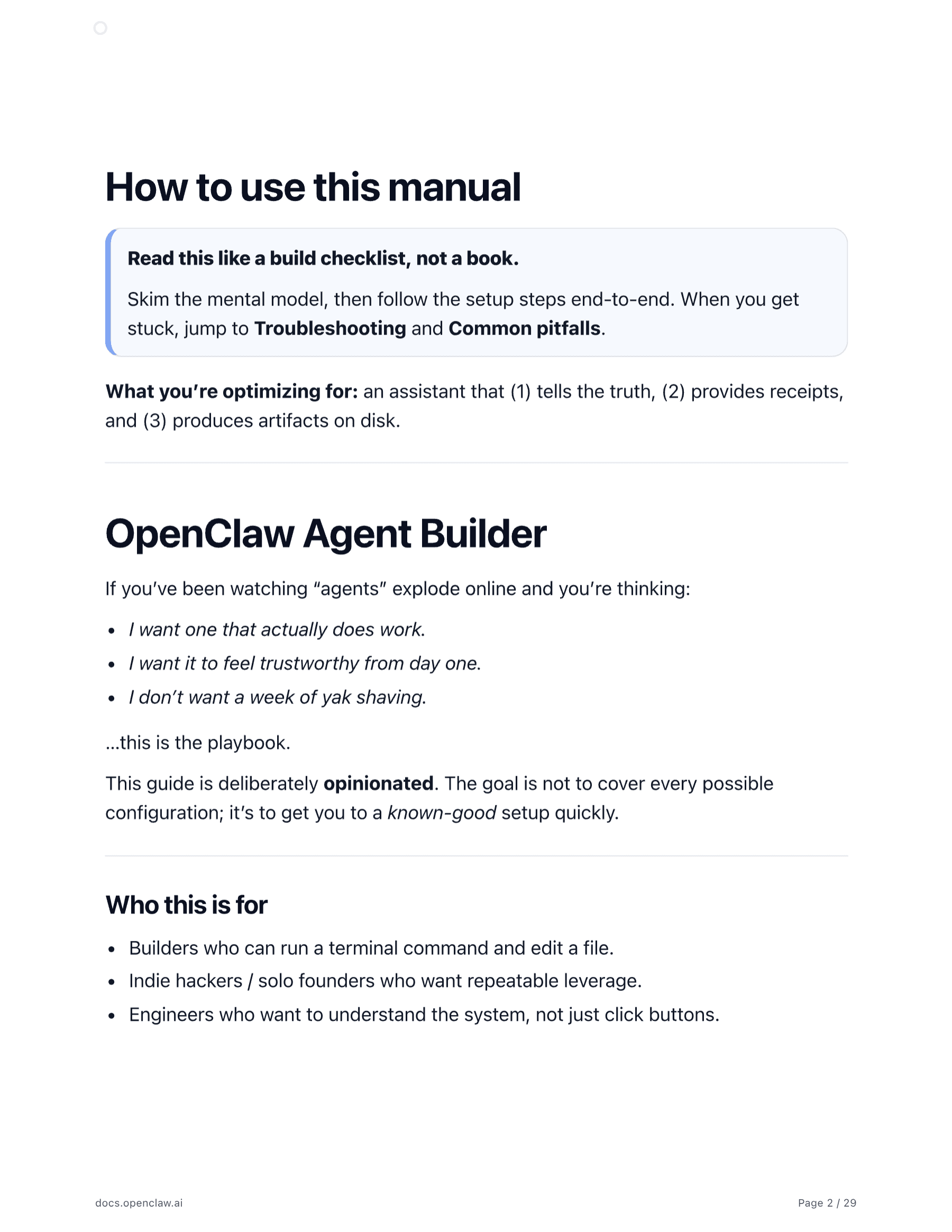
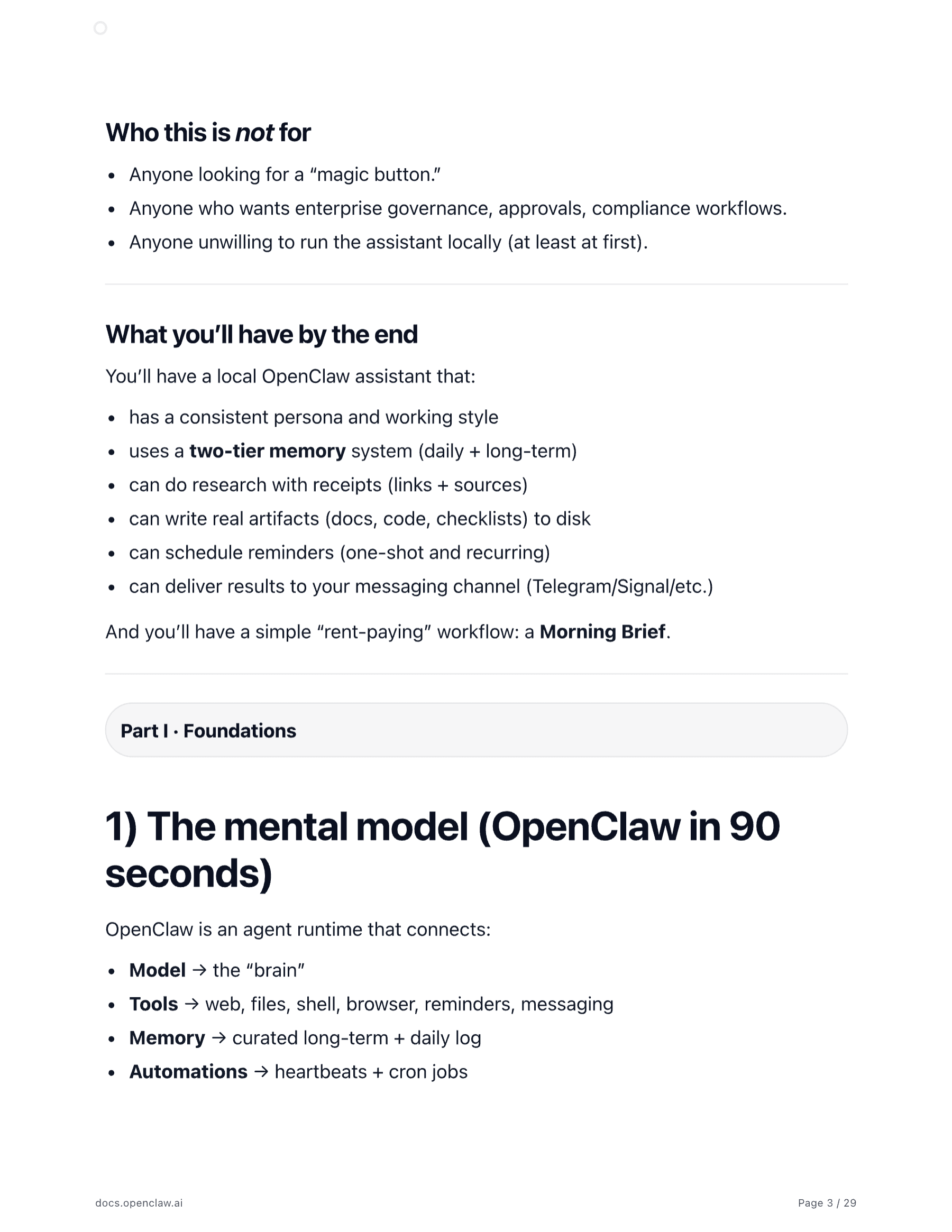
Screenshots from the PDF. This is a practical build guide: setup, a Morning Brief walkthrough, and a printable checklist.
Simple, credible trust markers
No vague testimonials. Here’s what you can expect when you purchase.
One-time purchase
You’re buying a guide + templates. No subscription. No account.
FAQ
Short answers. No surprises.